





You could mistake the process of installing digital signage as easy. You "only" need a screen, media player, and content slide, after all. But what makes it harder is everything that comes after — mounting, networking, permissions, content ownership, or when you need to scale your digital signage system across multiple buildings or locations.
Signage installation must consider the current and future needs of your business. This means planning ahead for the right digital signage components, cable management, and operating systems.
This guide can help you make these mission-critical decisions to better manage Wi-Fi changes, staff attrition, and the scalability of your digital displays.
DIY Installation vs Professional Installation: How to Choose the Best Service
There are two different ways to think about installing signage networks: with DIY installation, or professional installation services.
The question is, which method should you choose?
Here's a comprehensive breakdown in the table below:
Consideration | DIY Installation | Professional Installation |
|---|---|---|
Upfront cost | Lower initial spend. You’re paying mostly for hardware and time. | Higher upfront cost due to labor, site visits, and coordination. |
Speed to first screen | Often faster for a single screen in a familiar space. Slows down quickly as scope grows. | Slower to start, but predictable once scheduled. Good for multi-site rollouts. |
Mounting and physical setup | Fine for basic wall mounts. Risk increases with ceiling mounts, video walls, or non-standard surfaces. | Proper mounting, cable management, and safety compliance are part of the job. |
Networking and connectivity | Network settings usually handled ad hoc. May be difficult to manage across multiple locations. | Corporate network requirements are planned upfront, including wired connections, VLANs, and security constraints. |
Ownership and documentation | Knowledge lives with whoever performed the digital signage installation process. | Usually handover docs, labeled cabling, and clear ownership policies. |
Troubleshooting and downtime | You are the escalation path. You may only have time to proactively resolve issues between more pressing priorities. | Defined support paths dedicated resolution teams support your network when things go wrong. |
Security and compliance | Dependent on the digital signage solutions you've selected (hardware and software). | Addresses security reviews, access controls, and compliance requirements up-front. |
You should opt for DIY digital signage installation if you're an ultra-small business and never plan to expand. You may not serve any specific audiences, or have complex signage needs at all (i.e., interactive elements). Or, your team feels comfortable owning the entire system — mounting, networking, updating, and more. It's not necessarily scalable, but the flexibility and lower upfront costs can be a reasonable trade-off over time.
Alternatively, you should consider digital signage installation services if you:
- Want to roll out signage across multiple locations, including international locations
- Expect to deal with complex mounting or network environments (like video walls or interactive kiosks)
- Can't afford outages due to operational or reputational risk, like in the transportation, food service, and manufacturing industries
You may also want professional signage installation for surviving significant staff turnover. In those cases, your higher upfront cost often buys fewer surprises later. You lose a little autonomy and ownership in the process, but it's also one less headache for your already busy team.
Everything required for digital signage installation

As mentioned, installing digital signage is less about any critical component, and more about how hardware, software, and tools work together once the screens are live.
Most problems show up when they don't chain together correctly, whether that's via your network, mounting system, or content management system (CMS).
Here's a quick breakdown of the essential tools you need, plus how they fit together.
Hardware
- TV screens: The type you purchase should depend on your needs. For example, kiosks for interactive features, outdoor signage make sense for direct sunlight, and commercial displays are best used for continuous operation.
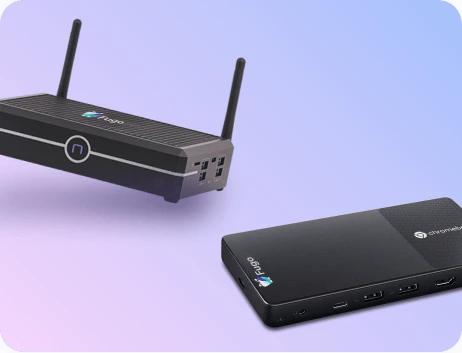
- Digital signage players: Players are responsible for rendering content and keeping your screens connected to the content. Lightweight players make the most sense for simple layouts, but can struggle with dashboards, frequent updates, or heavier content.
- Remotes: Remotes are easy to overlook until your setup or troubleshooting requires one. Having the correct remotes on hand — and clearly labeled — will help you avoid unnecessary delays during installation and future maintenance.
- Laptop(s): You may need laptops d to configure players, test network access, and verify your displays. For larger installs, having more than one laptop to verify your network can significantly reduce install time and errors.
- Router: Remember that network stability tends to matter more than speed for signage. You might need a WiFi extender, more Ethernet ports, or a new router in general to support your digital signage network.
Software
- Content management system (CMS): This is what helps you display content on your TV screens. And we may be biased. But Fugo is one of the best digital signage software options for small businesses.
- Device management (DMS) system: A DMS provides more visibility into how your digital signage players run, update, and function. Without one, you may not discover critical signage issues until after a screen goes blank or stops updating with new content.
- Your existing tech stack: Digital signage often pulls in data from dashboards, calendars, or internal tools. Understanding how these integrations work ahead of time can help you avoid fragile setups or security shortcuts later.
Tools
- Cables: These include power cables, HDMI, extenders, and more. Remember that effective cable management reduces strain on connections and simplifies future troubleshooting.
- TV mounts: Mounts affect safety, visibility, and future flexibility. Fixed mounts are simple, while tilting or articulating mounts help in bright or awkward spaces. Choosing the wrong mount can make adjustments or maintenance unnecessarily difficult.
- Power tools: Drills, stud finders, and the right bits are essential for secure mounting. Rushing this step or improvising around wall construction can lead to unstable installs or damaged surfaces.
- Hand tools: Measuring tools, levels, and marking tools can help you align and position screens correctly. Remember that small inaccuracies become very noticeable once the display is live.
The digital signage installation process

Once you've gathered the tools you need, you can follow this installation process, step-by-step.
1. Plan out the site
Comprehensive planning is essential before physical installation begins.
First, you need a physical evaluation. A site survey assesses locations based on physical layout, lighting, foot traffic, and compliance with building codes.
Then, you'll need to plan the function of your display. Establishing clear goals and measurable metrics before launch is crucial for evaluating the success of a digital signage project.
2. Get permits and compliance details
You first need permits for specific signs, displays, or electrical upgrades.
Next, you need to consider other compliance legislation. ADA compliance requires displays to not protrude more than 4 inches from a wall and to be accessible for wheelchair users, for example.
3. Purchase a CMS
Installing digital signage involves connecting displays to a content management system and configuring software.
You can try Fugo, for example, in a 14-day free trial.
4. Install equipment properly
The next stage of the process is installing all your hardware.
Digital signage requires secure mounting of displays at optimal viewing heights, usually between 58 to 65 inches. That's why most professional digital signage installation services require specialized tools to ensure secure mounting and optimal performance. Additionally, outdoor digital signage installation requires additional considerations such as permits and permissions.
You'll also need to:
- Plug in cables and power cords
- Connect screens and players
- Sync screens with your CRM
5. Document your processes and maintain your signage
First, write down everything about your digital signage setup, including your model numbers, emergency numbers, contributing members, and more. Documentation reduces future support costs and enables faster troubleshooting when issues arise.
Next, set up a schedule that keeps your signage humming along. Designating local management and 24/7 support is essential for effective operation of digital signage. You may also need to perform regular digital signage maintenance processes, either on your own or with an expert team.
Digital signage installation services to consider
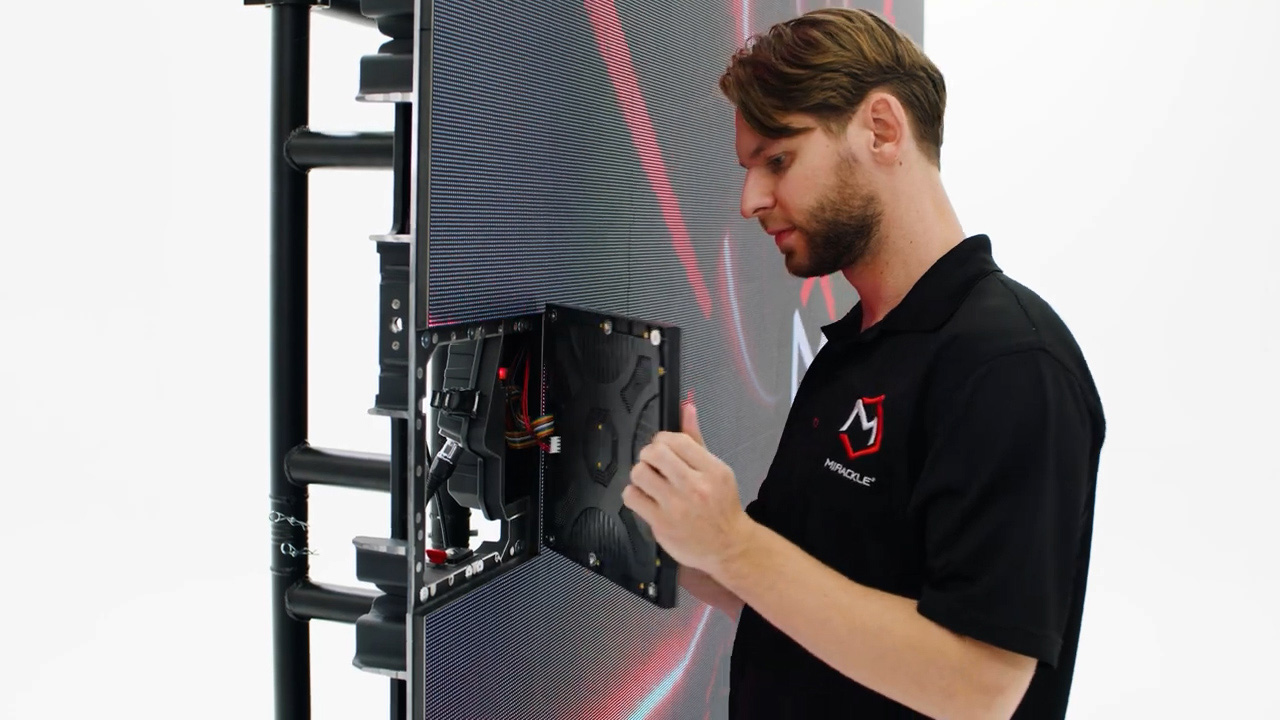
Below is a lists of digital signage installation services to consider for your growing business:
- Snap Install provides nationwide digital signage installation services with a focus on project management and professional installation.
- LSI Digital offers comprehensive digital signage installation services, managing every aspect from site surveys to final equipment setup.
- The Network Installers have over 20,000 successful installations and 19 years of experience in digital signage installation services.
- AnyPlace Media Group services most of the UK with digital signage installation services.
- Digital Signage Area has supported South African installation initiatives for over 26 years.
- DS Visual is a Singapore-based digital signage installation company offering end-to-end sourcing, construction, and support services.
Keep in mind digital signage installation services often include ongoing support and maintenance to ensure systems operate effectively. This may be included in the pricing package, or, you may need to request a custom quote.
Factors to consider before installing digital signage
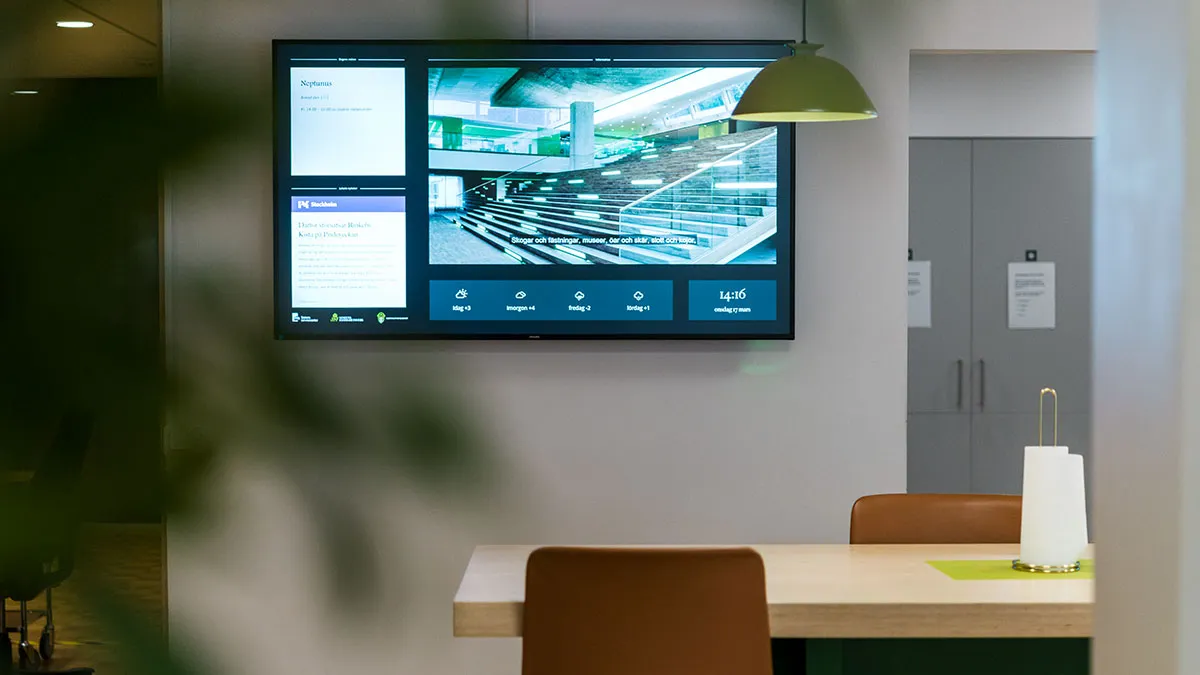
There's a lot to consider for your digital signage system before you even think about mounting your first digital sign.
Here are some items to discuss before installing digital signage solutions:
Who owns the system?
Digital signage often starts as “something marketing sets up,” then ends up being everyone else’s problem.
Before you install anything, be clear on who is responsible for content updates, device health, and troubleshooting. It may be helpful to document this in a dedicated cloud folder so everyone on the team knows their responsibilities to the system.
How much network bandwidth do you need?
Some DIY signage installers automatically assume that their WiFi will be “good enough.” Until the access point changes, your credentials rotate, or you need to prioritize bandwidth somewhere else, such as Zoom meetings or VoIP calls.
It's true that wired connections are less convenient upfront, but they’re usually more predictable over time. A hardwired Ethernet connection is the most reliable networking option for digital signage.
Decide between WiFi and Ethernet based on how tolerant you are of interruptions and downtime rather than what’s easiest on install day.
How often will your content change?
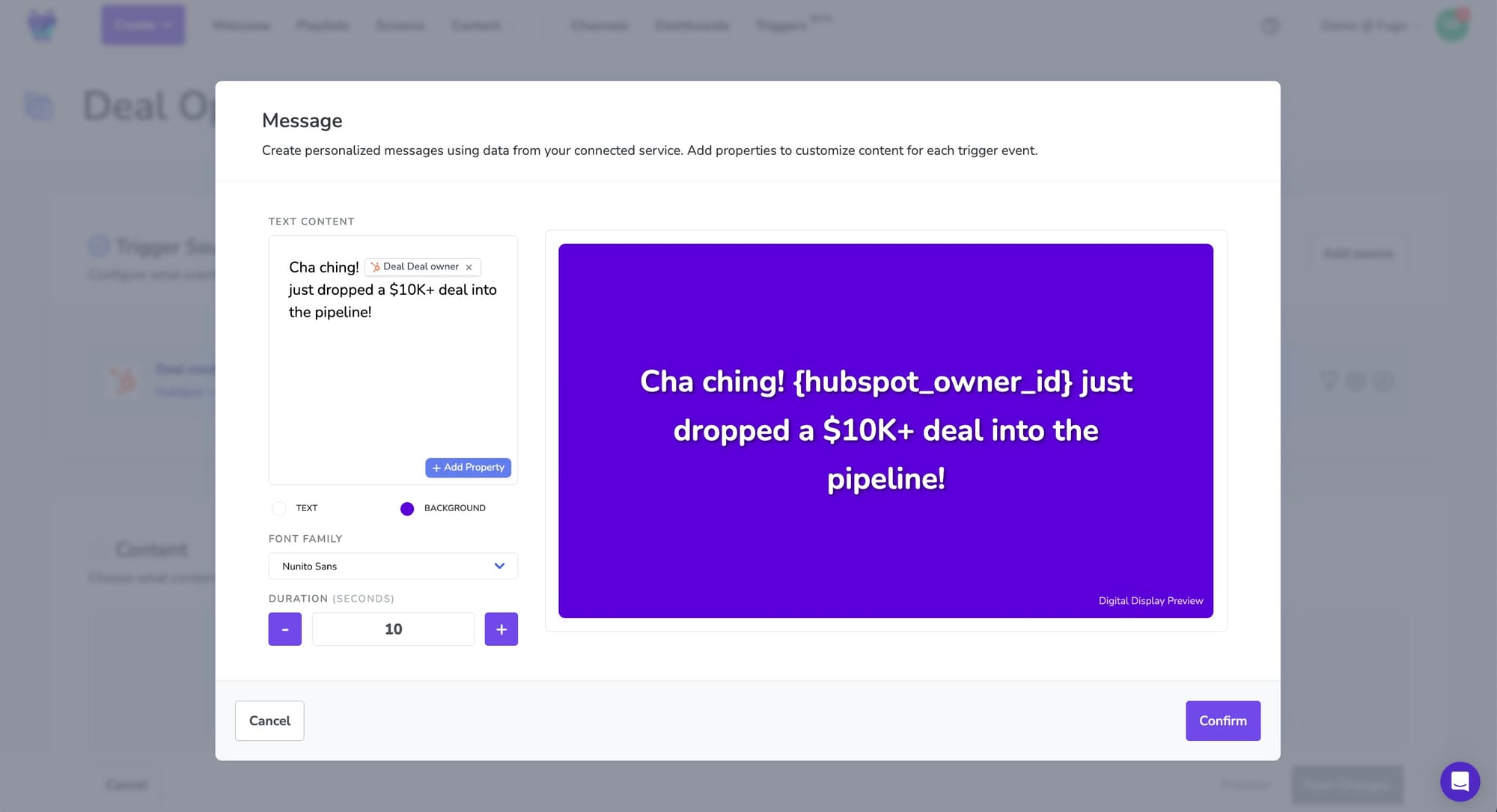
Plan to update content daily, or even multiple times per day? You'll need some careful planning around your hardware, software, and location planning.
That's because your content cadence should influence your:
- CMS choice. Does the software support near-time or real-time content updates? What about third-party integrations? Or dynamic content?
- Access permissions. The more frequently content changes, the more important it is to address security vulnerabilities.
- AI features. To update content using time or action-based triggers, you'll need software that supports AI workflows and agentic tools.
Plan to update your screens once per week or month? These features may be less important to your overall install.
What does your physical environment look like?
You need to make sure there's enough space for your displays without sacrificing the safety or integrity of your setup.
So before deciding to mount any screens to your walls, be sure to account for:
- Studs
- Concrete
- Glass
- Ceiling height
- Glare
- Foot traffic / high traffic areas
- Tight or awkward spaces
The last thing you need is an unsafe signage setup that limits viewing angles or makes future changes harder than they should be.
What kind of security and access control do you need?
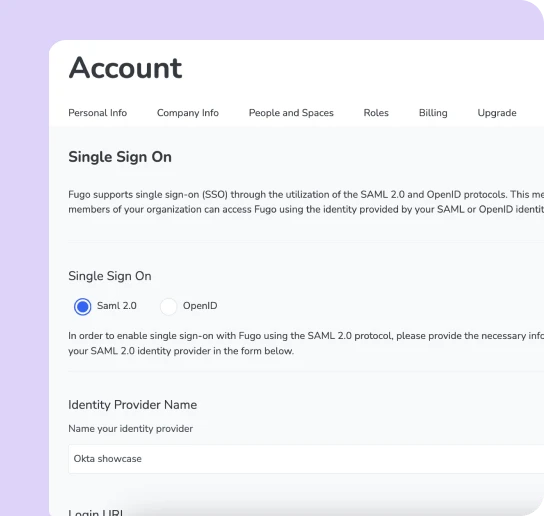
Your screens are endpoints of your network, even if they don’t feel like it. This means you need to think about who can push content, how logins are managed, and what happens if someone shares or loses their credentials.
Signage security matters more if you work with sensitive internal data, such as with TV dashboards, or in regulated industries, such as healthcare.
What happens when something goes wrong?
It's not when, it's if, something goes awry with your screens. Devices switch off, screens burn out, and software requires an occasional update.
You'll need to create a system that quickly flags these issues, then resolves or assigns them without much manual labor. You might look for features like multi-location monitoring and status alerts. Or, push error notifications to company intranets like Slack or Notion.
How much do you plan to expand?
Most “small” businesses don’t stay small. Neither do their signage networks. And while adding one more screen is relatively easy, adding 10+ across multiple locations is not.
Consider whether your installation choices today will still hold up if you add more screens tomorrow. This also applies if you plan to open new retail stores or office buildings. Plan to expand overseas? Consider whether your tech stack can support the hardware available in that region (i.e., like Android OS versus webOS versus Chromecast).
Frequently asked questions about digital signage installation
Q: How much does it cost to install digital signage?
The total cost of ownership for digital signage includes ongoing software, content creation, and maintenance costs. The average cost of a digital sign varies significantly based on size, technology, and functionality.
Q: What is the cost of digital signage?
That depends on the signage type in question.
- A complete single-display solution typically costs between $3,000 and $8,000 when including mounting hardware, media players, software licenses, and professional installation.
- Entry-level commercial digital signage displays start at $1,200-$2,500 for a 43-55" LCD.
- A high-brightness outdoor LED display can range from $5,000-$15,000 per panel.
- Current rental rates for standard commercial displays (43-55") typically range from $150-$350 per month on 12-month contracts.
- Premium displays with higher brightness, touch capabilities, or larger sizes (65-85") cost $300-$700 monthly to rent.
Q: What is needed for digital signage?
First, pick a screen. Choosing the right display technology is important, with LCD for indoor use, LED for high-brightness needs, and e-paper for low-power static displays. Then, install your hardware. Connect the hardware to your CMS system. Finally, manage your cords. Remember: stable power sources with surge protection are necessary for digital signage systems.
Q: Is digital signage worth it?
Yes, digital signage is worth installing in your business. When combined with technology like retail media campaigns, your ROI can be as much as 154% for every $1 spent.
Q: How do you install digital signage?
The installation process includes selecting the display type, configuring hardware, and setting up a central control location.