Fugo

Enterprise digital signage, delivered as a managed rollout

From pilot to full deployment, Fugo pairs a scalable platform with rollout support to help you structure and grow your screen network with confidence.

Trusted by teams running screens at scale

Fugo powers big networks and big ambitions

Coca-Cola logo
Puma logo
NHS logo
Boston Dynamics logo
Estée Lauder logo
Nando's logo
Ralph Lauren logo
ASICS logo
BOSS logo
Lululemon logo
J.Crew logo
Leroy Merlin logo
Octopus Energy logo
Gulf logo
Diesel logo
Indianapolis Colts logo
Linktree logo
Poppin logo
Omron Robotics logo
Edgewell logo
Skello logo
Elisabetta Franchi logo
Elkem logo
Struers logo
Nordward logo
Kissterra logo
Assurance logo
Aurora Innovation logo
The Challenge

Getting a few screens live is easy. Scaling them isn't.

Going from 10 screens to 100 means more teams, more systems, and a setup that starts to break if it wasn't built to scale.

  • Multiple teams start publishing without clear ownership

  • Screens show inconsistent or outdated content across locations

  • IT inherits a setup they didn't design

  • Fixes turn into workarounds that stick around

Enterprise Solution

Replace the solution that breaks with one that holds up
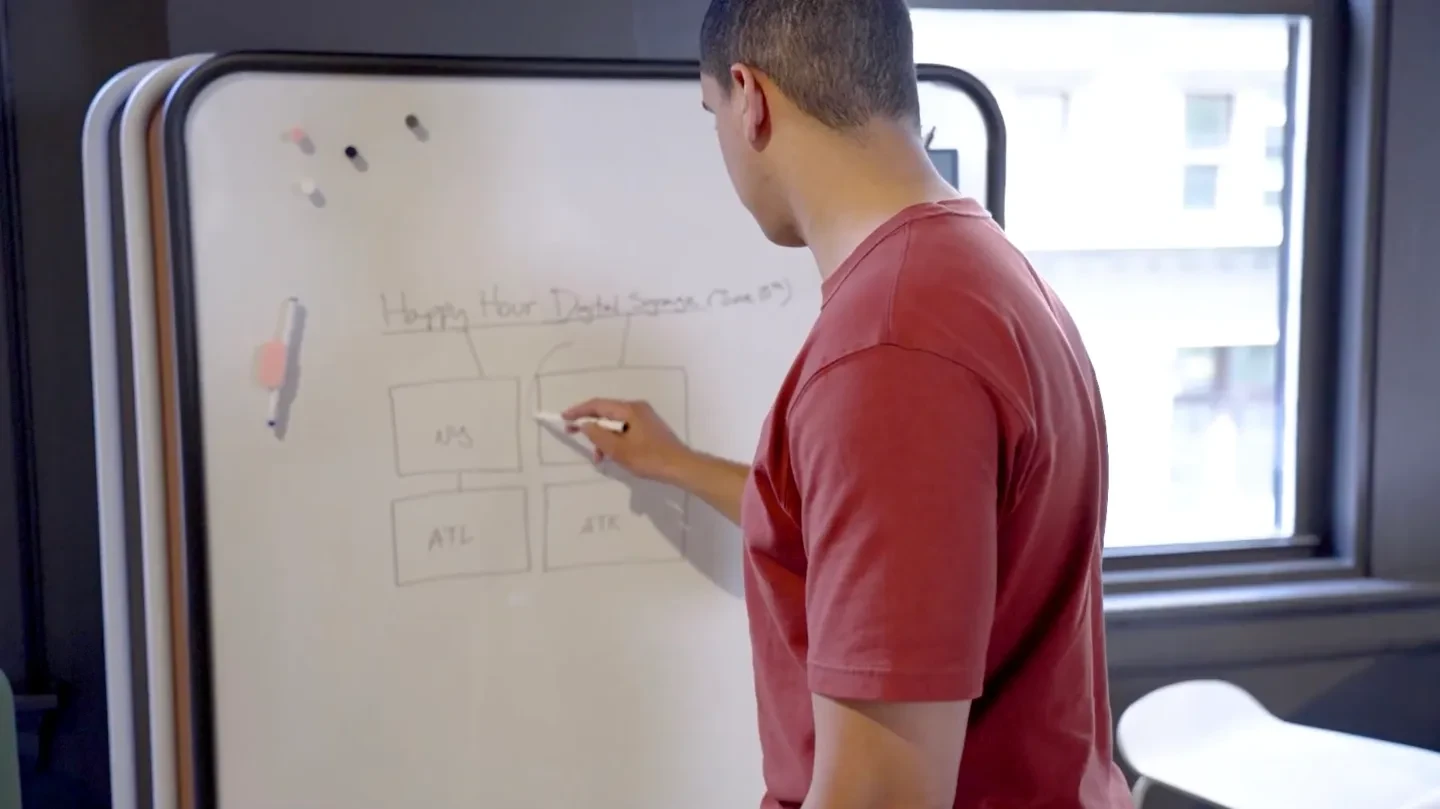
Fugo scalable digital signage platform

Scalable platform

A CMS built to support large screen networks, keeping content consistent across locations, devices, and teams.
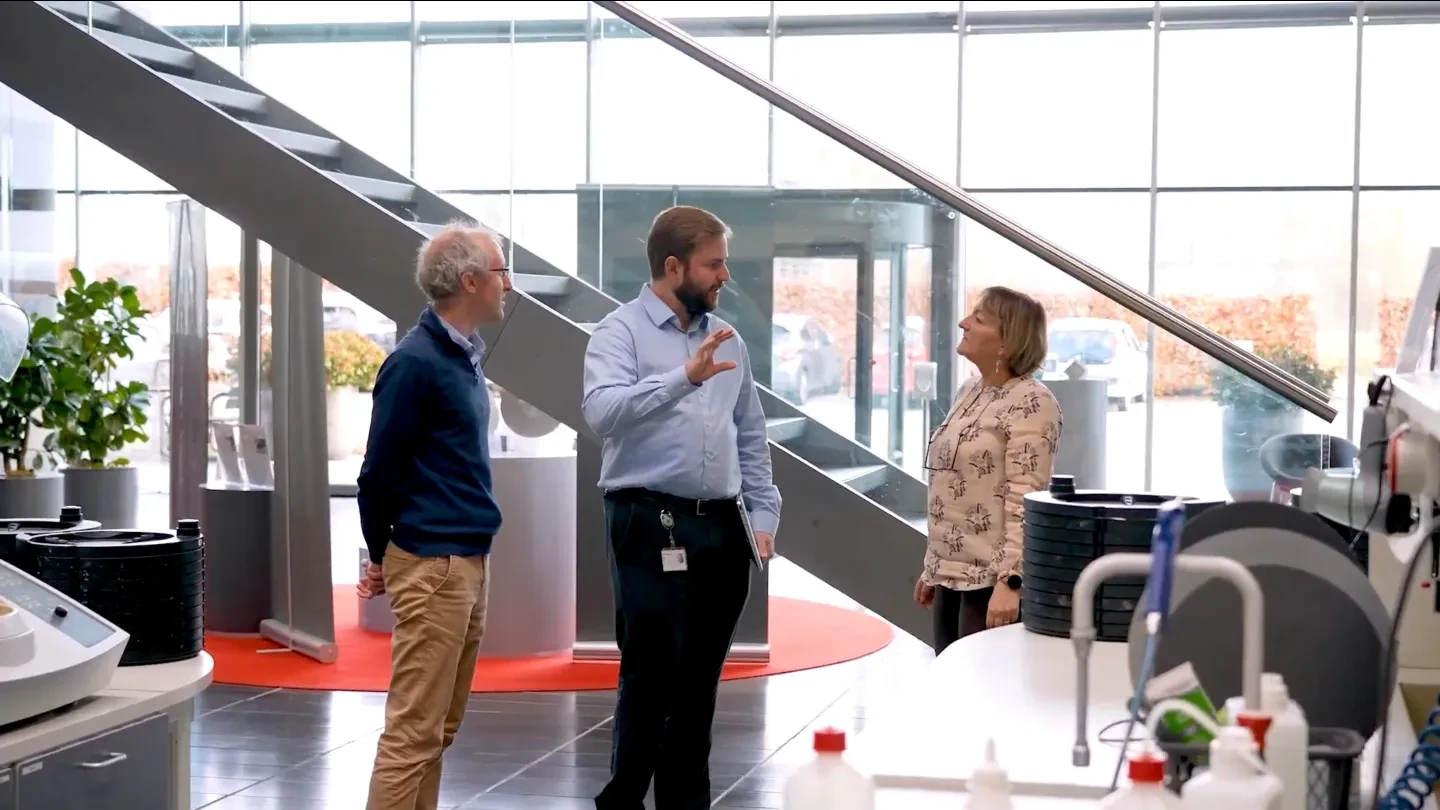
Fugo structured rollout support for enterprise deployments

Structured rollout support

A defined approach to setting up screens, ownership, and workflows early, so teams know what they control & how to operate.
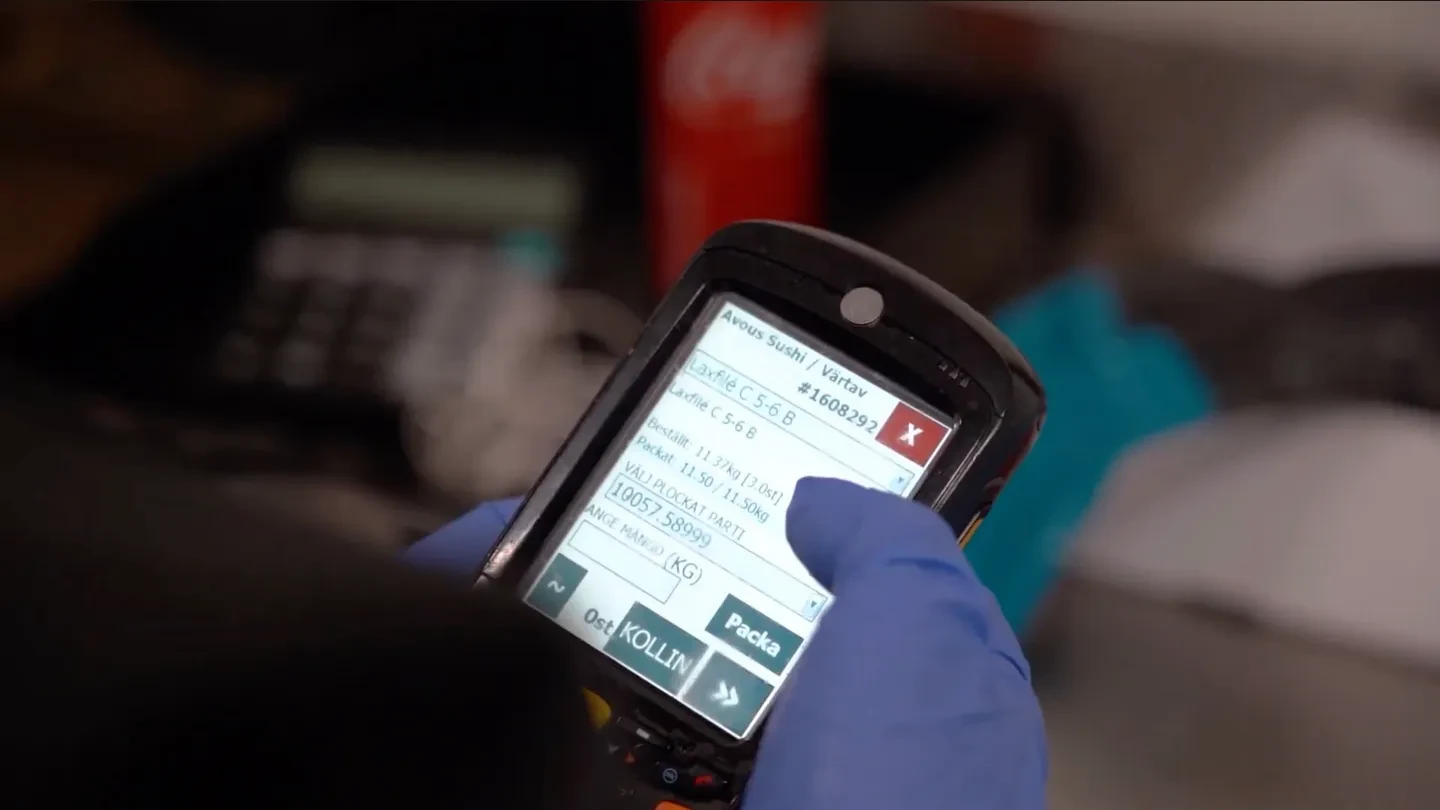
Fugo customization and extensibility options

Customization & extensibility

The ability to adapt Fugo to your systems and workflows, so it fits into your existing setup rather than replacing it.

Scalable Platform

A platform built to run your screen network as a system

Fugo brings content, screens, and teams into one system so your network stays consistent as it grows.
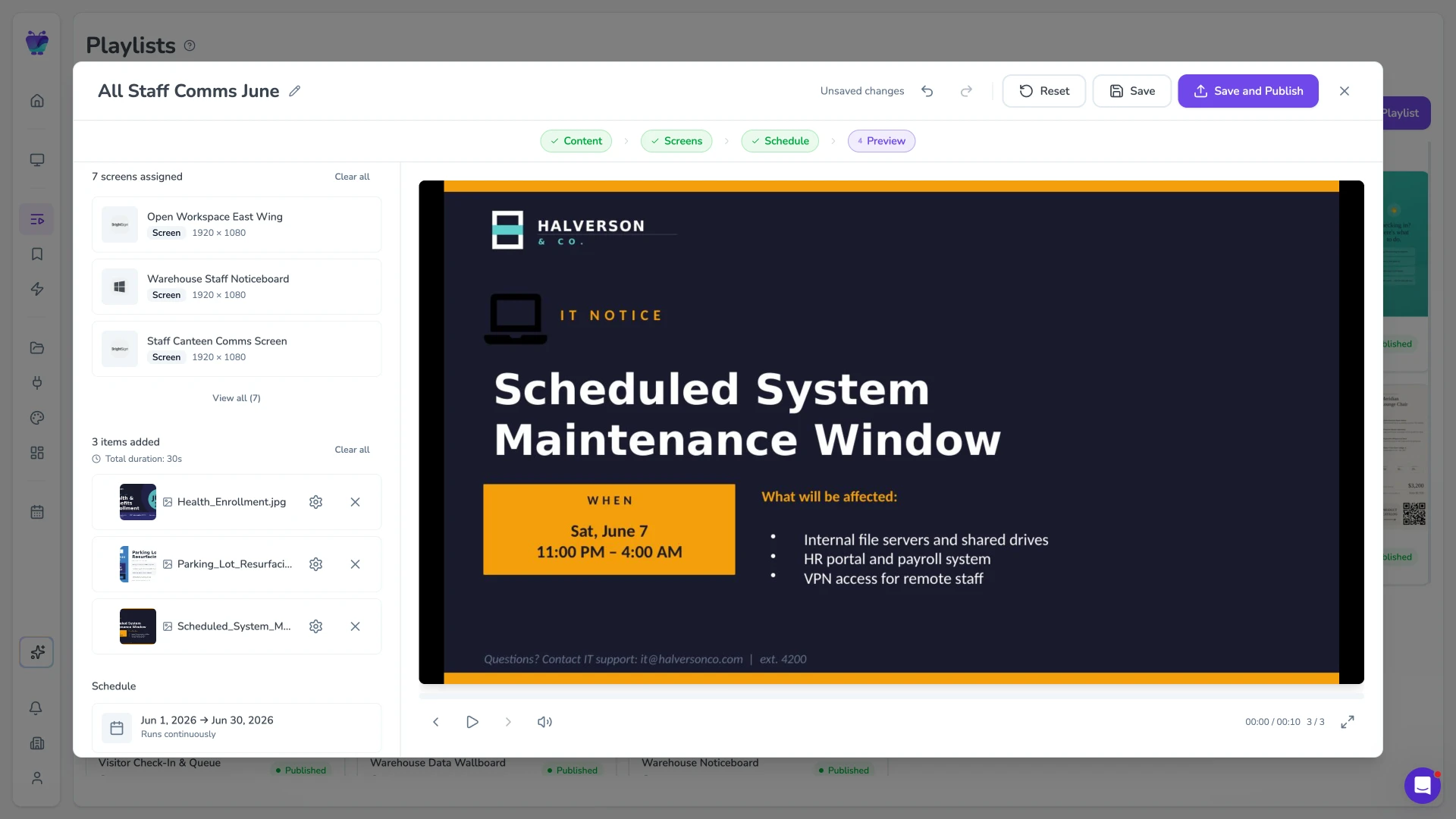
Fugo playlist preview showing a scheduled announcement ready to distribute
Content Delivery

Centralized content distribution & targeting

Control content distribution across your network, with precise targeting and efficient updates.

  • Playlist orchestration
  • Targeted content delivery
  • Bulk publishing controls
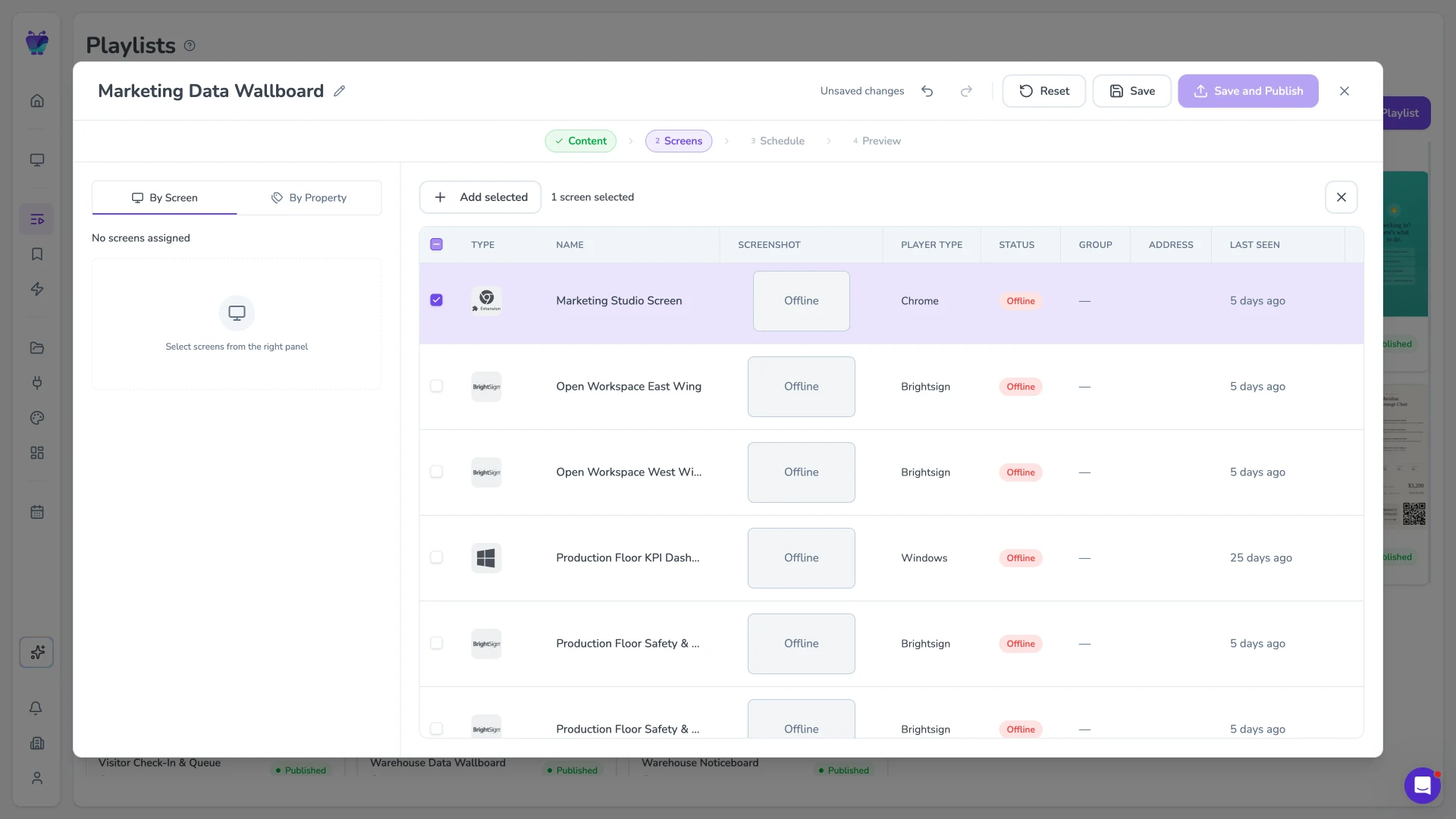
Fugo screens table showing screens organized across the network with status and properties
Screen Network

Structured screen network management

Organize your screen network with clear grouping, device control, and full visibility across locations.

  • Screen grouping & taxonomy
  • Remote device management
  • Network-wide visibility
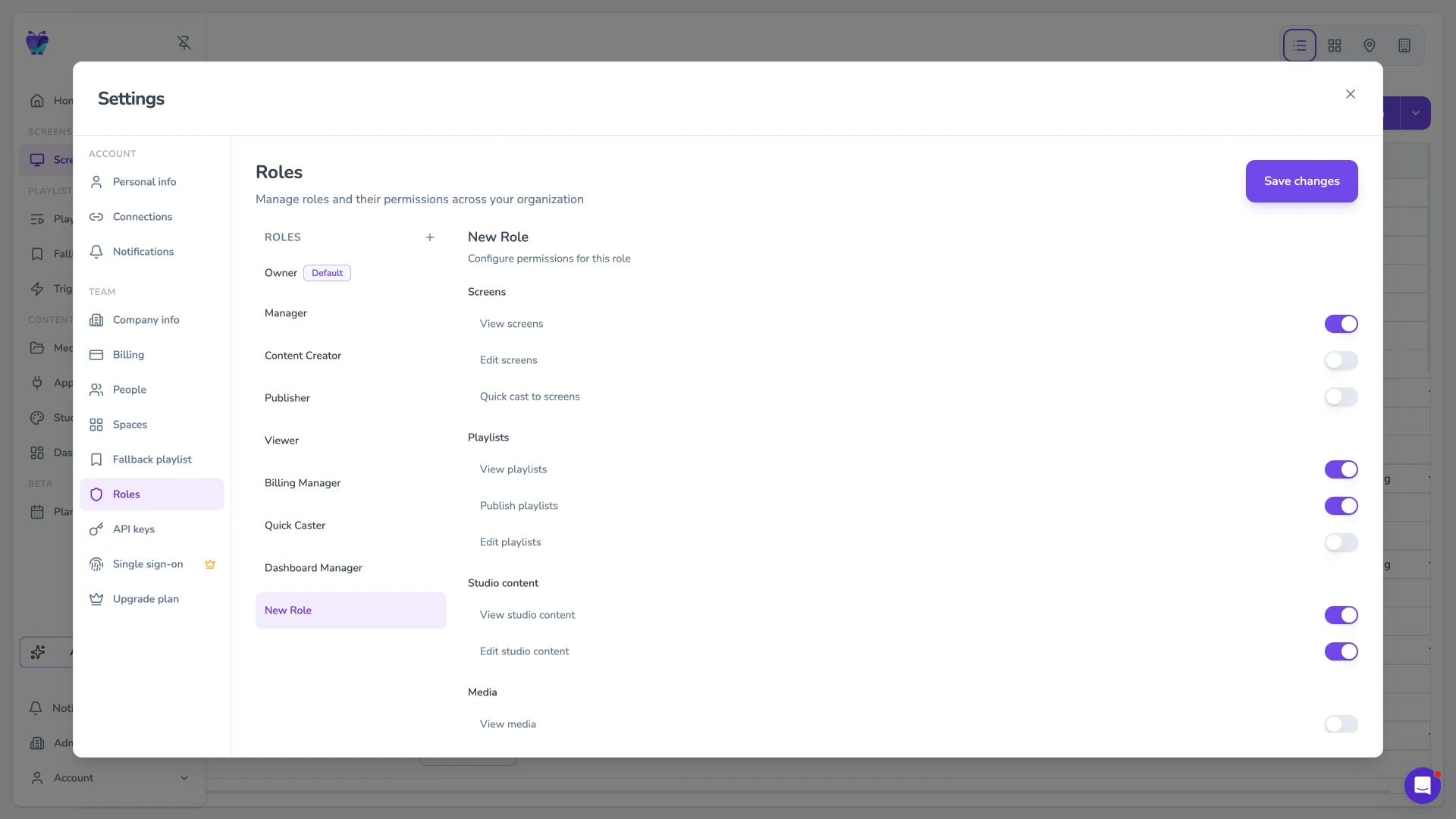
Account settings roles tab showing creation of a custom role
Teams & Governance

Define access & ownership

Control who can access, manage, and publish across your network as more teams get involved.

  • Role-based access control
  • Workspace segmentation
  • Single sign-on (SSO)
Structured Rollout Support

Project-managed rollout for large deployments

We guide your deployment from initial setup through pilot validation and full rollout across your organisation.

1

Define the system structure

We design your screen architecture, ownership model, and governance so your deployment is set up correctly from the start.

2

Validate with a live pilot

We deploy an initial rollout, train teams, and refine workflows based on real usage across locations.

3

Scale across your org

We expand your deployment with a proven structure, supporting onboarding and rollout across teams and sites.

Customization & Extensibility

Extend Fugo to fit your environment

Fugo is flexible out of the box — and ready to go further when your setup calls for it.
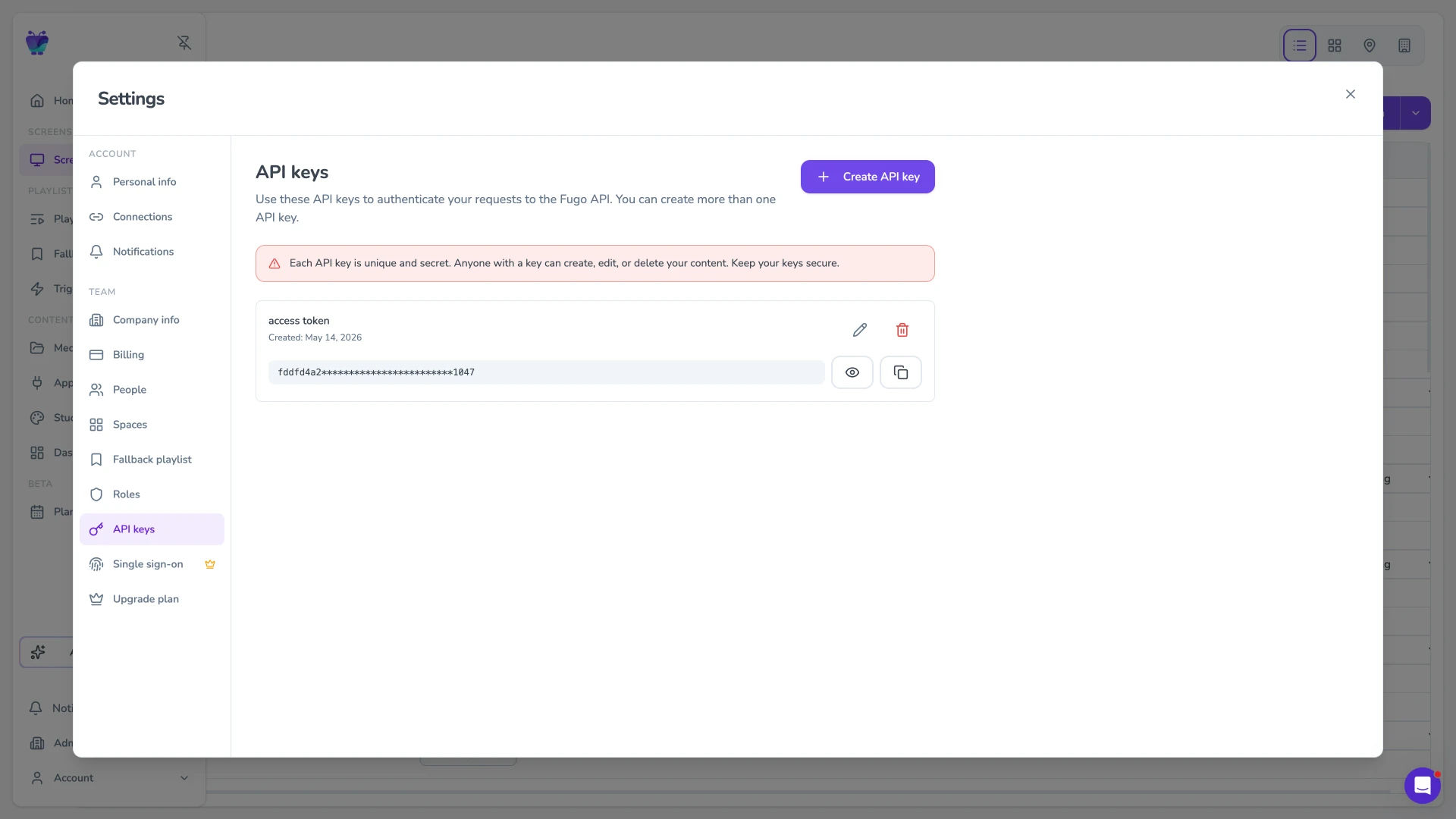
Fugo CMS API keys settings tab for authenticating programmatic access

API access

Trigger content from live events, automate what appears on screen, and tie screen behavior directly to what's happening in your systems.
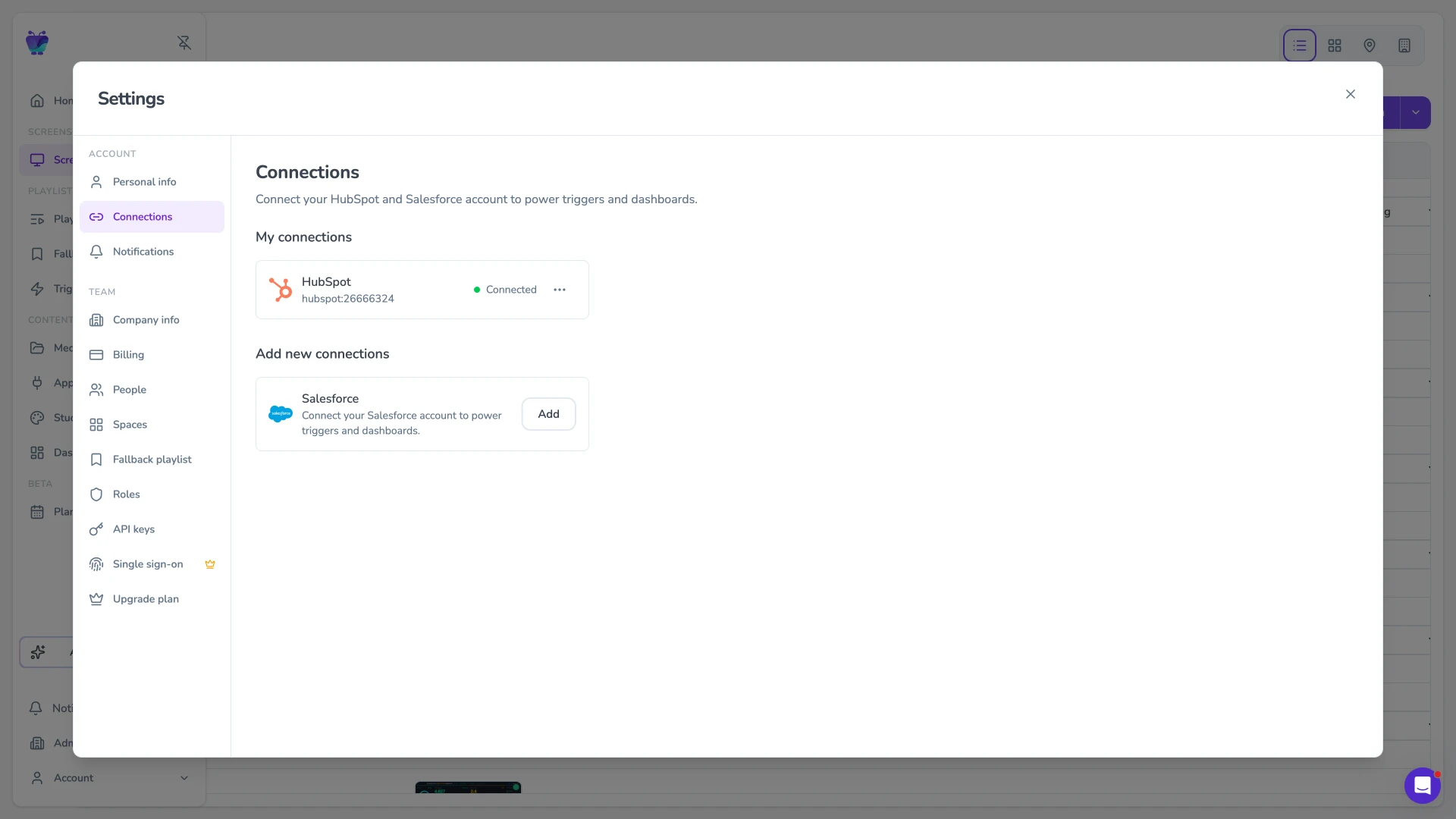
Fugo CMS connections tab showing a HubSpot integration ready to power triggers and dashboards

System integrations

Bring internal tools and dashboards onto your screens so they update in place, without anyone managing them manually.
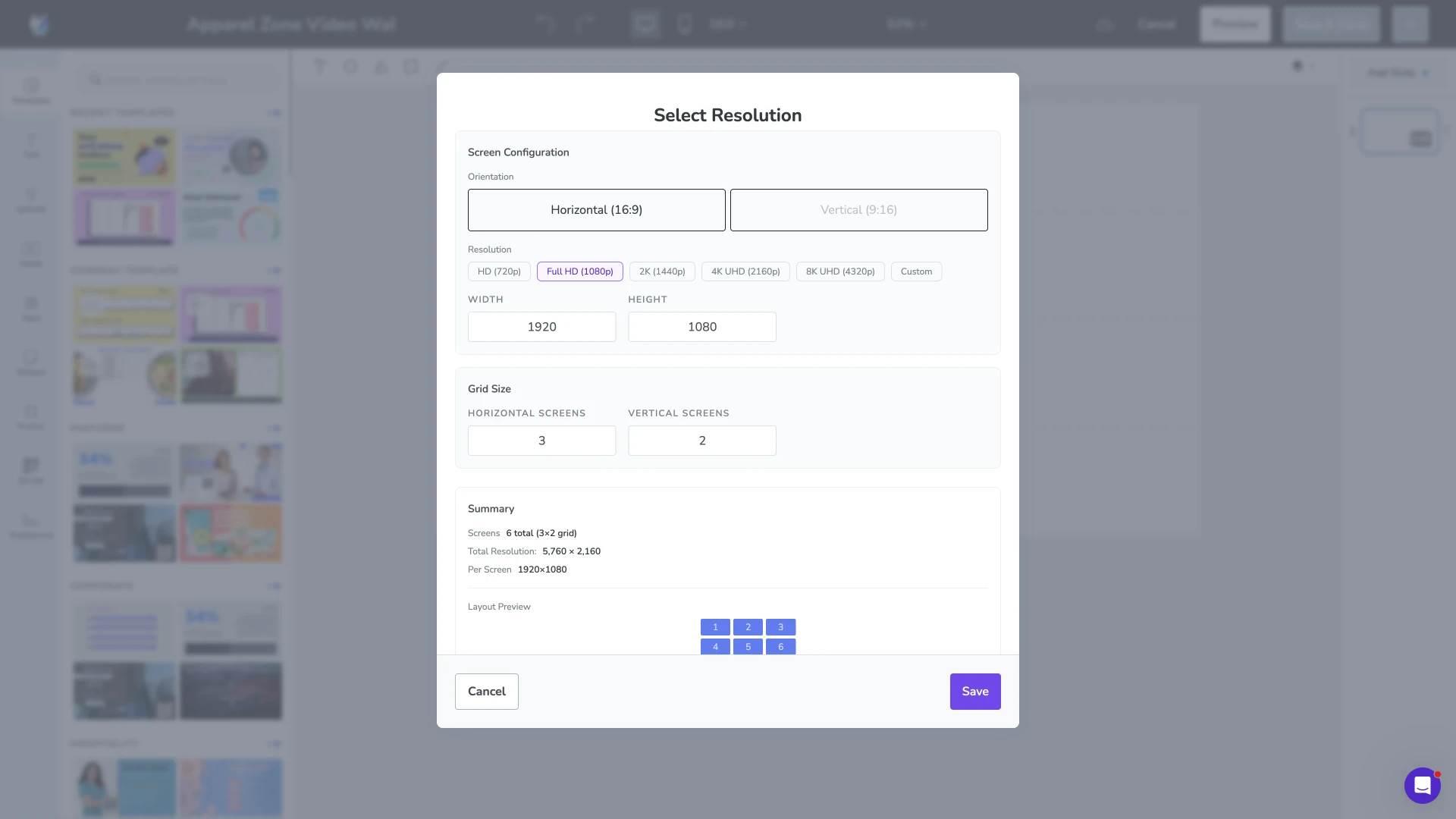
Fugo Design Studio video wall resolution modal for configuring a custom screen grid

Custom development

Create entirely new screen experiences — from synchronized video walls to screens that react to real-world inputs.
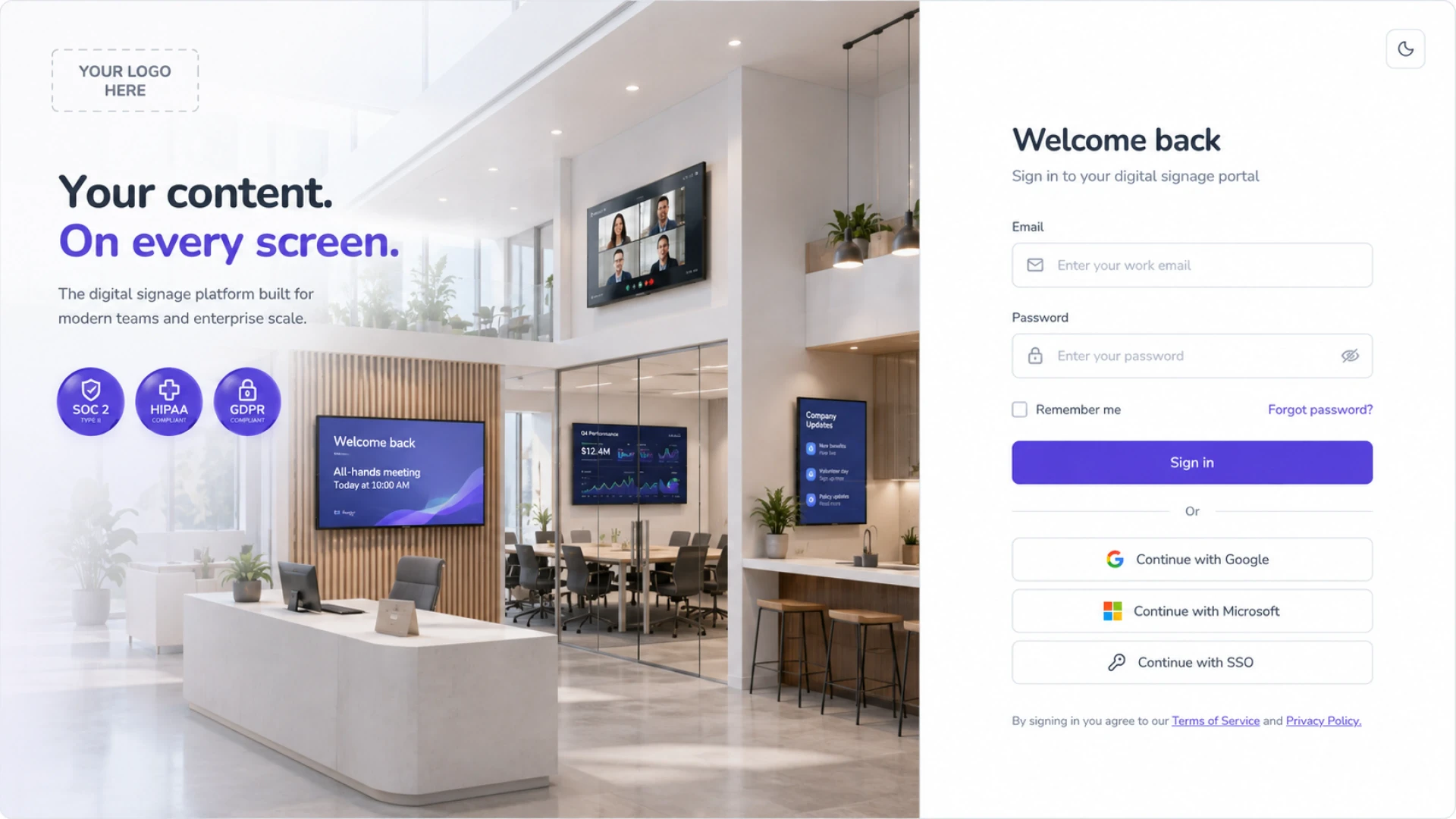
White-labelled Fugo CMS sign-in mockup with custom branding panel and lobby signage scene

Private-labelling

Run Fugo as your own platform, with a branded interface that fits cleanly into your organisation or offering.

Pricing & Scope

Get a quote for your project

Our team can build custom integrations, features, and workflows tailored to your unique requirements. From API integrations to bespoke dashboard solutions, we bring your vision to life.

Quotes may include:

Screen licensing (volume pricing)
Project-managed rollout
Team training and onboarding
Custom integration development
Custom feature development
Private labelling

Frequently asked questions

What is enterprise digital signage software?

Enterprise digital signage software is a system for managing content and TV screens/displays at scale across an organization.

It covers two things at once: how content is created, scheduled, and governed, and how screens and devices are managed across locations. At enterprise level, it also needs to integrate with your existing systems, enforce permissions, and support multiple teams working in parallel.

How is enterprise digital signage different from standard digital signage?

Most "enterprise" tools are just smaller systems with more licenses.

The difference shows up when you scale. Enterprise digital signage software needs to handle multiple teams, locations, and systems without breaking down into manual workarounds or security risks. That includes role-based access, integrations with internal tools, and control over who can publish what and where.

What features should enterprise digital signage software include?

Enterprise digital signage software needs to hold up across both content workflows and device infrastructure.

On the content side, that means centralized CMS capabilities with role-based access control, SSO, approval workflows, and clear ownership over what gets published and where. It should support advanced scheduling, campaign planning, and integrations with BI tools, CRMs, and internal systems so screens reflect live data, not manually updated slides.

On the device side, it should provide visibility and control over your screen network, including remote management, monitoring, and support for multiple operating systems and hardware types.

If you're evaluating platforms, it's worth going deeper into how these features work in practice:

What features should your enterprise digital signage software have?

Can enterprise digital signage connect to our existing tools and data?

Yes. In practice, it has to.

Enterprise digital signage software should pull content directly from the systems your team already uses, like dashboard and reporting platforms, ERPs, CRMs, and internal tools. That removes manual updates and keeps screens aligned with real-time information across the business.

How does enterprise digital signage handle real-time updates?

There are two main approaches.

Scheduled content runs on a defined timeline, while event-based updates can trigger content based on real activity, then return to the normal schedule. This is how screens move from static displays to something teams actually rely on.

How do large teams manage content across many screens?

This is where most systems break down.

Enterprise digital signage software needs to reflect how teams actually work. Different teams own different screens, regions, and workflows. You need clear roles, permissions, and visibility into what's running and why.

Without that, teams fall back to spreadsheets and manual coordination, and it becomes harder to keep control as you scale.

What hardware do we need for enterprise digital signage?

For enterprise digital signage, the right hardware depends on what you're asking the screens to do.

If you're running straightforward playlists, announcements, menus, or lightweight app content, a compatible smart display may be enough. Fugo can run directly on Android or Google TV displays, and on professional signage displays that support platforms like Samsung SSSP or LG webOS Signage. If the display doesn't have a compatible operating system, you'll need a separate media player. Fugo supports external players including Chromeboxes, Windows mini PCs, Android media players, and dedicated Fugo hardware.

Where enterprise buyers need to think harder is performance. If you plan to show data-heavy dashboards, BI reports, secure web apps, or other query-intensive content, hardware choice matters a lot more. Fugo explicitly recommends using one of its own vetted players or a sufficiently powerful Windows, Linux, or Chrome-based mini PC for demanding dashboard workloads such as Power BI or Looker.

In practice, the hardware decision usually comes down to three questions:

  1. What content are you showing?
  2. How hard is it to render?
  3. How much control do you need over the device environment?

A lobby slideshow, a live Grafana board, and an authenticated operational dashboard behind SSO are not the same hardware problem.

View Fugo's compatible devices & operating systems

How can I tell if enterprise digital signage software is actually secure?

Enterprise digital signage software should meet the same standards as any system in your IT stack.

At a minimum, look for support for SSO, 2FA, and role-based access control, so access to screens and content is tied to your existing identity systems. You should also expect audit logs, encryption in transit and at rest, and clear separation between users, teams, and screen groups.

Certifications matter too. Vendors should be able to demonstrate compliance with frameworks like SOC 2 Type II or SOC 3, and make their security policies available for review.

Another area to pay attention to is how the platform handles restricted content. In real enterprise environments, a lot of what you want on screens sits behind authentication such as internal dashboards, BI tools, or web apps. A secure system should be able to display that content without requiring you to weaken access controls or expose those systems publicly.

For example, Fugo's Dashboards feature lets you display secure, authenticated content on screens while keeping it behind your existing SSO and 2FA policies.

Contact us about our security practices

Do you offer project-managed rollout for enterprise digital signage?

Yes.

We work directly with teams to plan and deliver large-scale rollouts. That includes defining how your screen network is structured, how content is managed, and how different teams interact with the system from day one.

This is a scoped engagement, not ad hoc support.

What's included in a project-managed rollout?

We work with you to design and set up the system so it holds up under real use.

That covers how screens are grouped and assigned, how access is structured across teams, how content is scheduled and approved, and how your setup connects to the systems you already use.

The goal is to leave you with something that's clear, owned, and maintainable — not just technically live.

Can you build custom functionality or integrations?

Yes.

If your use case isn't covered out of the box, we can build custom integrations or features to support it. That might include connecting to internal systems, triggering content from external events, or supporting more specialized screen behavior.

These are scoped as separate development projects.

Do you offer training for teams managing enterprise signage?

Yes.

We run structured onboarding for the teams who will actually use the system — IT, marketing, operations, or local site owners. The focus is on how your setup works in practice, not just how the platform works.

Training can be included in rollout for customers on the Enterprise plan or delivered as a separate engagement.

Can you support multi-location or global deployments?

Yes.

We work with organisations rolling out across multiple sites, regions, or business units. That includes defining how control is shared between central and local teams, and how content stays consistent without slowing teams down.

This is typically handled as part of rollout planning.

How do we engage you for rollout or custom work?

You start by sharing what you're trying to roll out.

From there, we scope the work based on your setup — number of screens, locations, teams involved, and any custom requirements. That becomes a defined engagement with clear deliverables.

You can book time with our team or reach out via sales@fugo.ai to start that process.